What the trend is
Every December, feeds fill with Christmas portraits that were never taken: friends in full Santa suits on a beach, in sequins beside giant candy canes, or laughing in pajamas by the tree. Each one starts as a normal selfie. An AI image model keeps the face and builds the outfit and the scene around it.
Step 1: Pick the right selfie
The selfie decides most of the result. A good one has:
- your face towards the camera, filling a good part of the frame;
- daylight or even indoor light, with no hard shadows;
- one person only, and no sunglasses, mask or hat covering the face;
- no beauty filter. Filters smooth away the details that make it look like you.
Your expression does not matter much: the Christmas photo is made with a big smile either way.
Step 2: Make the photo
The quick way: tap a scene
- Open the photo maker and sign in with Google.
- Upload your selfie (JPG, PNG, HEIC or WebP, up to 10 MB, at least 400 px on each side).
- Choose one of 37 scenes, such as Dress as Santa, Candy cane shoot or Pajamas and cocoa.
- Wait about a minute, then download or share. Your first photo is a free preview with a watermark; HD photos without it use 1 credit each.
The do-it-yourself way: ChatGPT
- Start a new chat and attach your selfie.
- Paste a prompt that says to keep the same person, describes one Christmas scene and bans text and extra people. You can copy one from the AI Christmas photo prompts page.
- If the face has drifted, reply with a correction and generate again.
Which way suits you
| Christmas AI Photo | ChatGPT | |
|---|---|---|
| Prompt | Built in for each scene | You write or paste it |
| Photo size | 4:5, 1080 × 1350 px, ready for feeds | Depends on the tool; ask for 4:5 |
| Cost | First preview free, then $4.99 for 15 HD photos | Depends on your plan and its daily limits |
| Best for | A finished photo in one tap | Trying your own ideas and wording |
Step 3: Post it
- Instagram and Facebook feed: 4:5 portrait (1080 × 1350 px) fills the most screen without being cropped.
- Stories, Reels and TikTok: these are 9:16, so a 4:5 photo shows with space above and below. Add a sticker or your caption there.
- On your phone: tap Share beside the finished photo to open your phone’s share menu, then choose the app.
Stuck on the caption? A few that go with a Santa selfie:
- Santa took a beach day 🎅🏖️
- Merry & bright 🎄✨
- Ho ho hot out here ☀️🎅
It is good manners to say the photo is AI-made, and many platforms let you label it.
Examples from one selfie
Every photo below was made by this site from the same selfie. The person is AI-generated, not a customer. Tap one to try that scene.
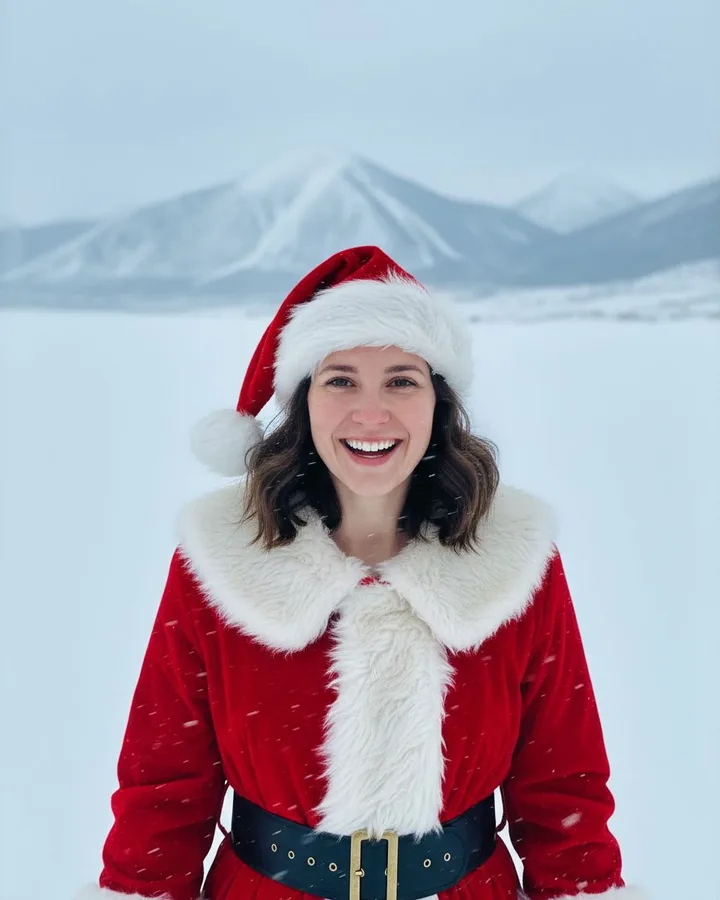 Snowfield Santa Selfie
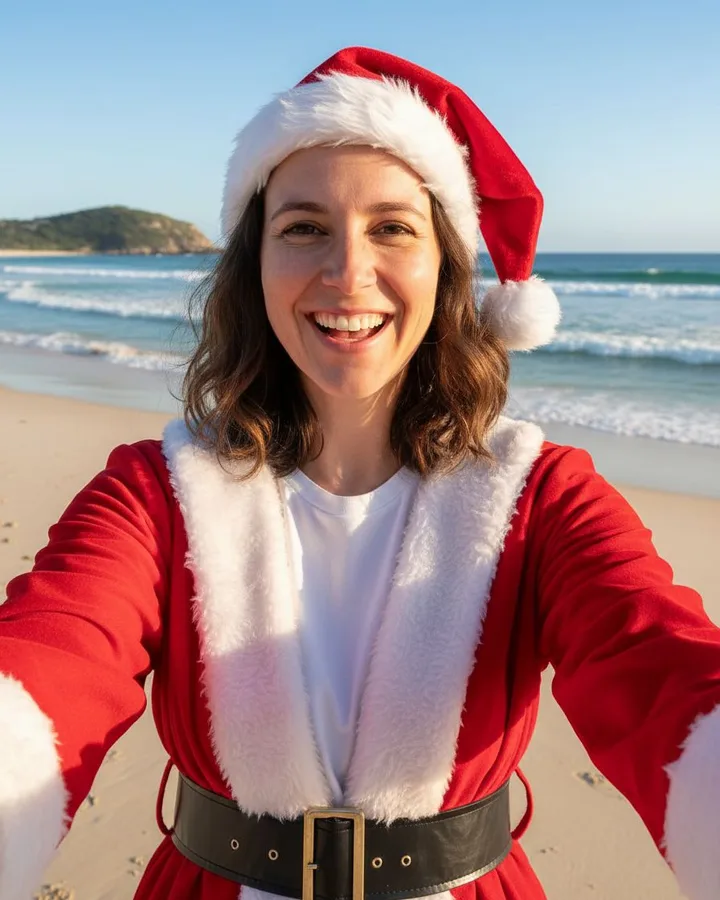 Beach Santa Selfie
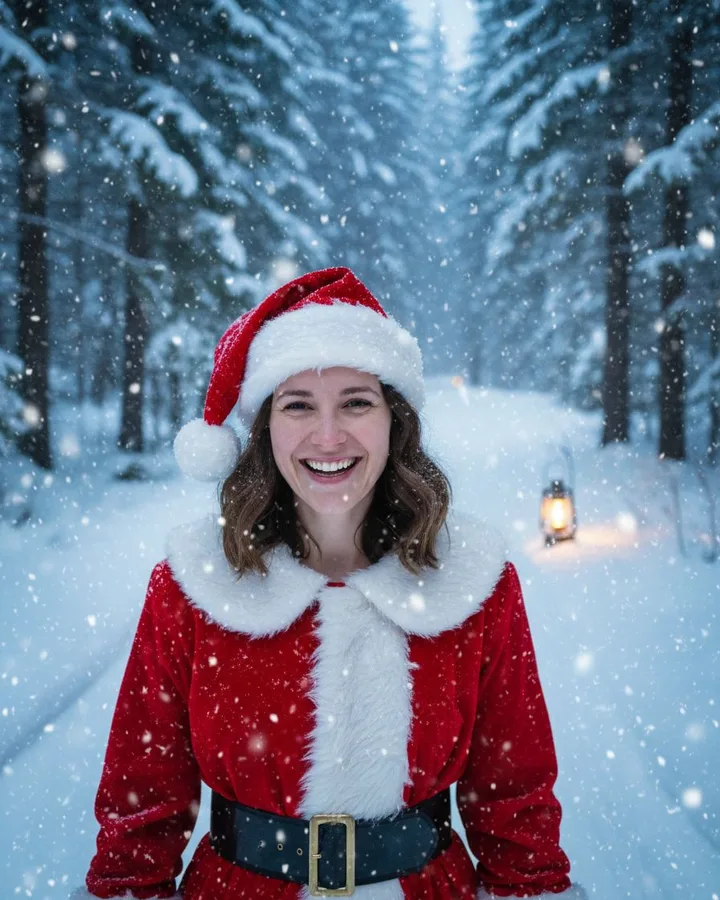 Snowy Forest Santa Selfie
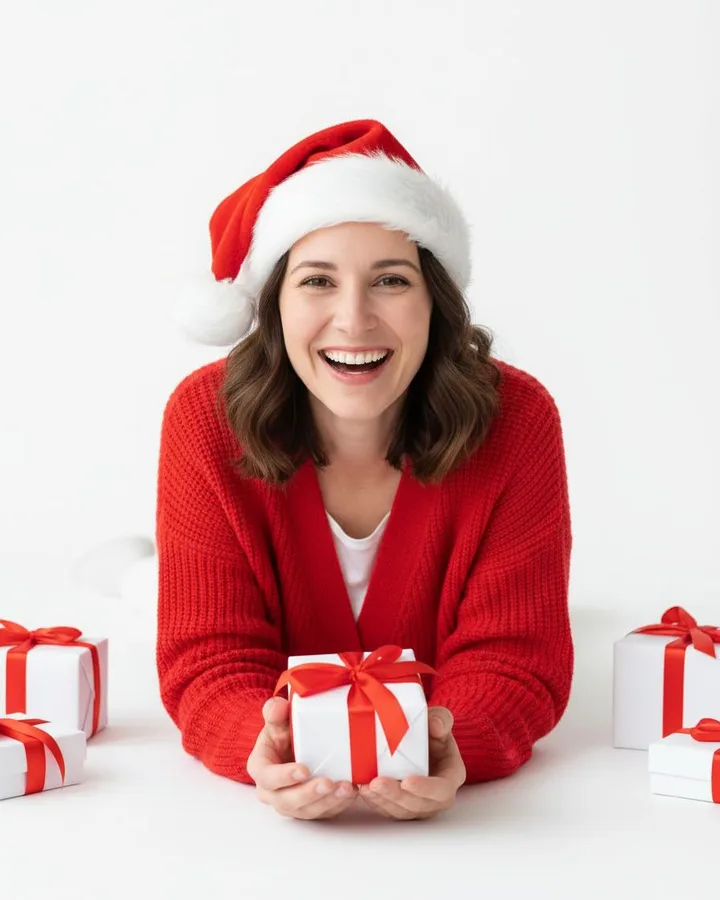 Santa hat classic
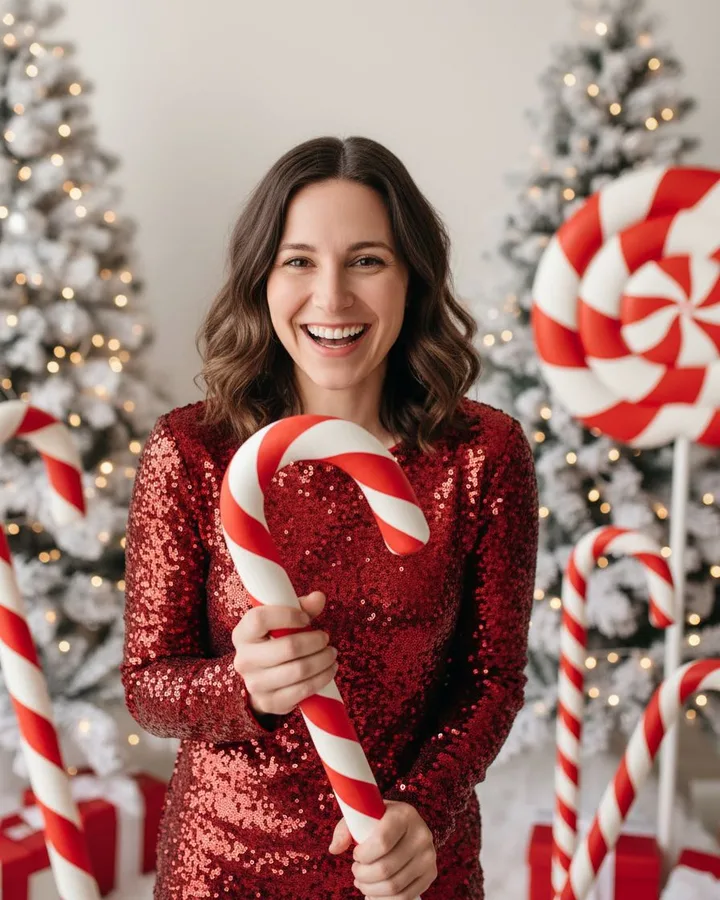 Candy cane shoot
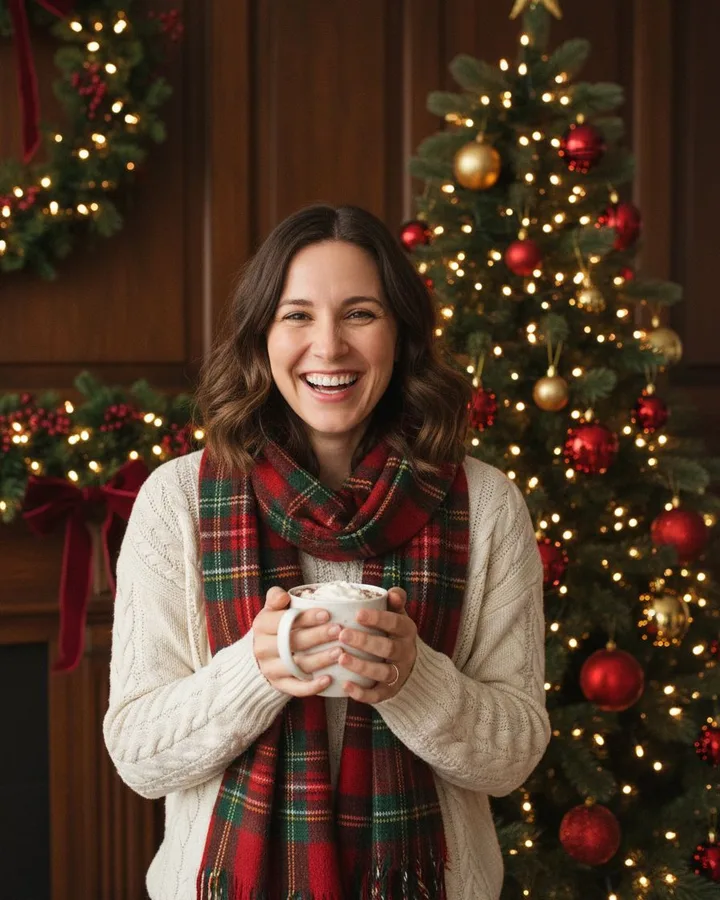 Vintage Christmas
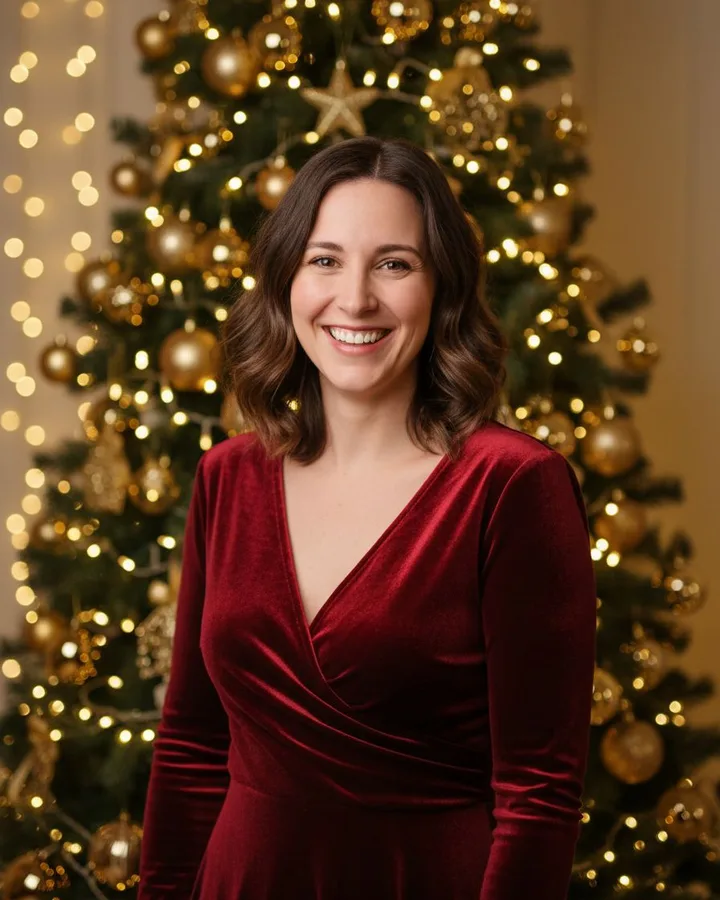 Christmas tree glam
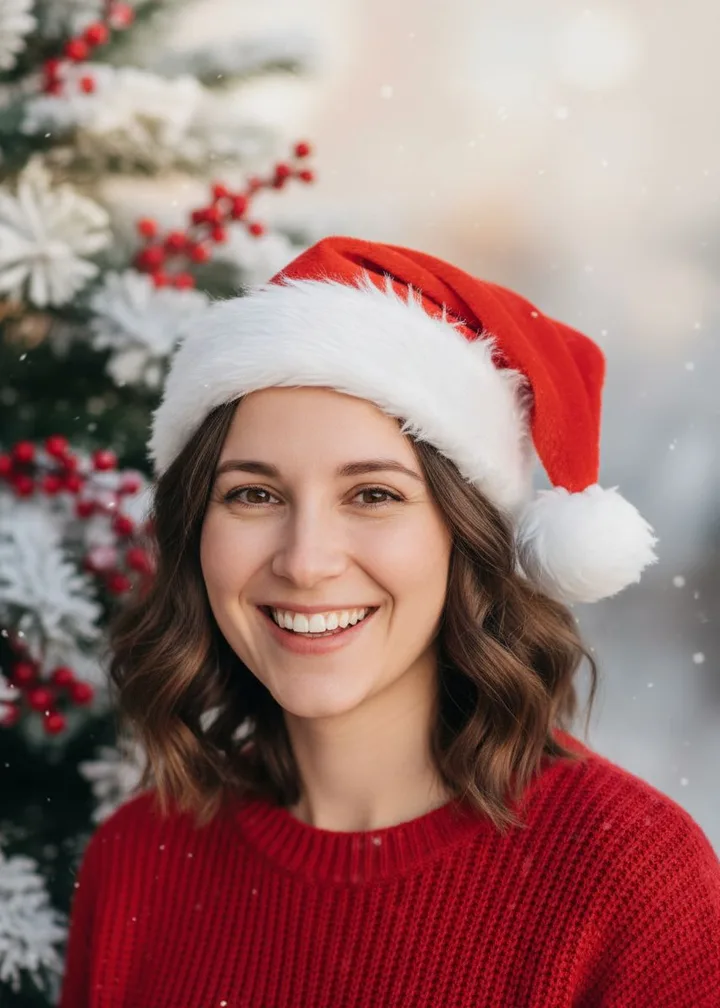 Holiday card
Before you upload anyone’s photo
- Use your own photo, or one of someone who has said yes.
- Do not upload a photo of a child on their own.
- Check what the tool does with your picture. Here, selfies are deleted after 7 days and never used for training.
Sending cards this year? The AI Christmas card scene leaves space at the top for your greeting.