
How to make an AI Christmas card
- Upload one selfie. Clear, front-facing, one person. JPG, PNG, HEIC or WebP, up to 10 MB.
- Pick the Holiday card scene. No prompt to write. You get a Santa hat, a cosy red sweater and a snowy pine setting, with your own face and hair.
- Add your greeting and send. Download the photo, type your message in the empty space at the top, then share or print it.
What you get
- 5:7 card format, 1080 × 1512 px, the shape of a standard 5 × 7 inch greeting card.
- Space for your words. The top of the picture is kept calm and plain, so text stays readable.
- No AI lettering. The model never draws text, so there are no misspelt names or garbled greetings to fix.
- Your real likeness. The model is told to keep your facial features, skin tone and hairstyle, and to add a big natural smile. AI output can be imperfect; if one result is off, try again or try another scene.
Adding your greeting
Because the greeting is added after the photo is made, you can use any tool you already have:
- On your phone: open the photo, tap Edit, then use the text or Markup tool.
- In a design app: drop the photo into a 5 × 7 template and type over the empty area.
- At a print service: upload the photo as the card front and add text with their editor.
Short greetings that fit the space
- Merry Christmas from our home to yours
- Warm wishes and a very happy New Year
- Merry and bright — love, [your name]
- Ho ho hello from [your city]
Printing and sending
For messages, email and social posts the card is ready as it is. For paper, 1080 × 1512 px gives about 216 dpi at 5 × 7 inches. That prints well at home or at a photo kiosk. A print shop that asks for 300 dpi wants 1500 × 2100 px, so ask before you order a large run.
Other scenes that work as a card
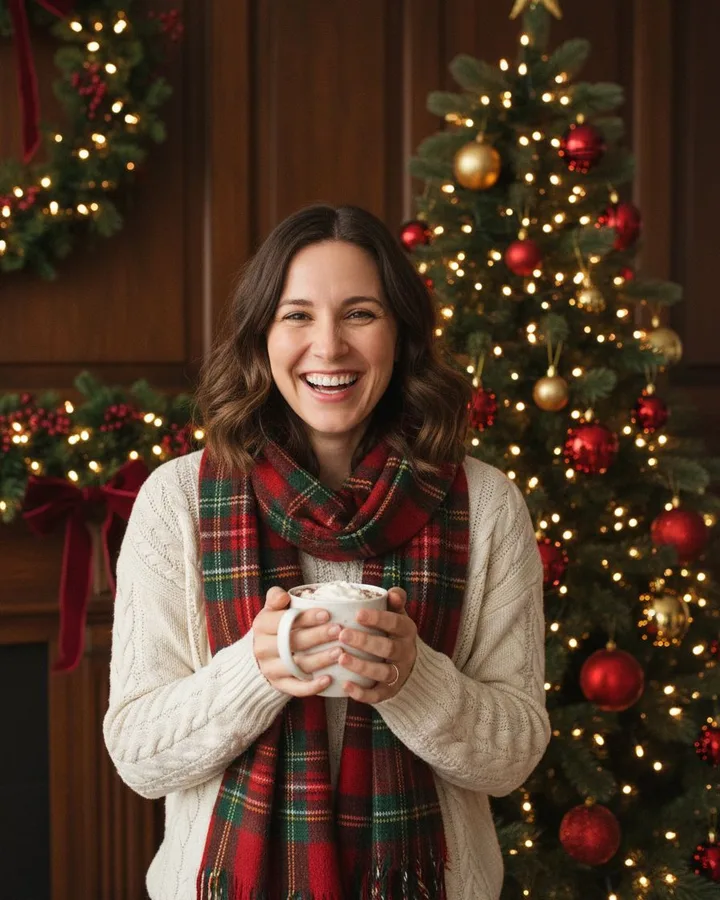
Every other scene is a 4:5 portrait (1080 × 1350 px), which also sits well on the front of a card with the greeting printed below or inside. There are 37 scenes in all, from a full Santa suit to pajamas and cocoa.
 Snowfield Santa SelfieTry this →
 Vintage ChristmasTry this →
 Pajamas and Cocoa SelfieTry this →
 Christmas tree glamTry this →
Want to write the prompt yourself instead? See our AI Christmas photo prompts for ChatGPT, including one for a card.