How to use an AI Christmas photo prompt
- Choose a selfie. Sharp, in daylight, facing the camera, one person, no sunglasses.
- Attach it and paste a prompt. In ChatGPT, add the photo to a new chat, paste one prompt below and send.
- Check the face first. If it does not look like you, use the fixes further down, or run the prompt again: results change each time.
About these prompts and photos. The prompts are short starting points for ChatGPT; we have not tested each one there, and results change from try to try. The photos show the look of each scene. They were made on this site, which uses a longer prompt tuned for each scene, from a single selfie of an AI-generated person, not a customer.
The prompts
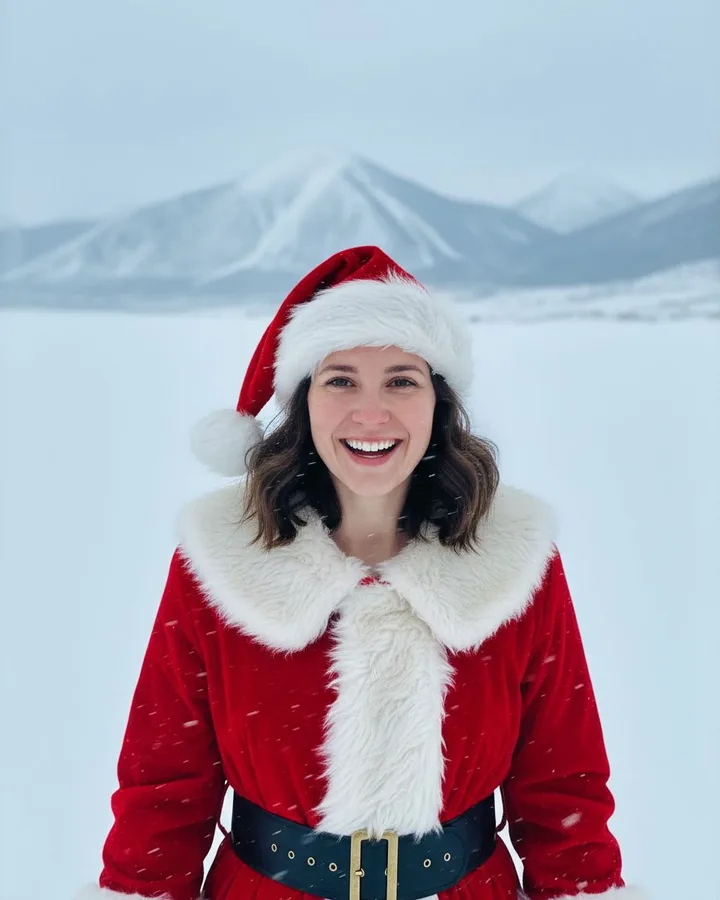
1. Snowfield Santa Selfie
Snowy mountains, windblown flakes and a red Santa coat. 4:5 portrait.
Edit my photo into a realistic Christmas photo of me. Keep my face, skin tone and hairstyle the same so I am clearly recognisable, and give me a big natural smile. I am dressed as Santa in a red coat with white fur trim and a Santa hat, taking a selfie on a snowy field with mountains behind me. Only one person, no text or logos. Vertical 4:5 image.
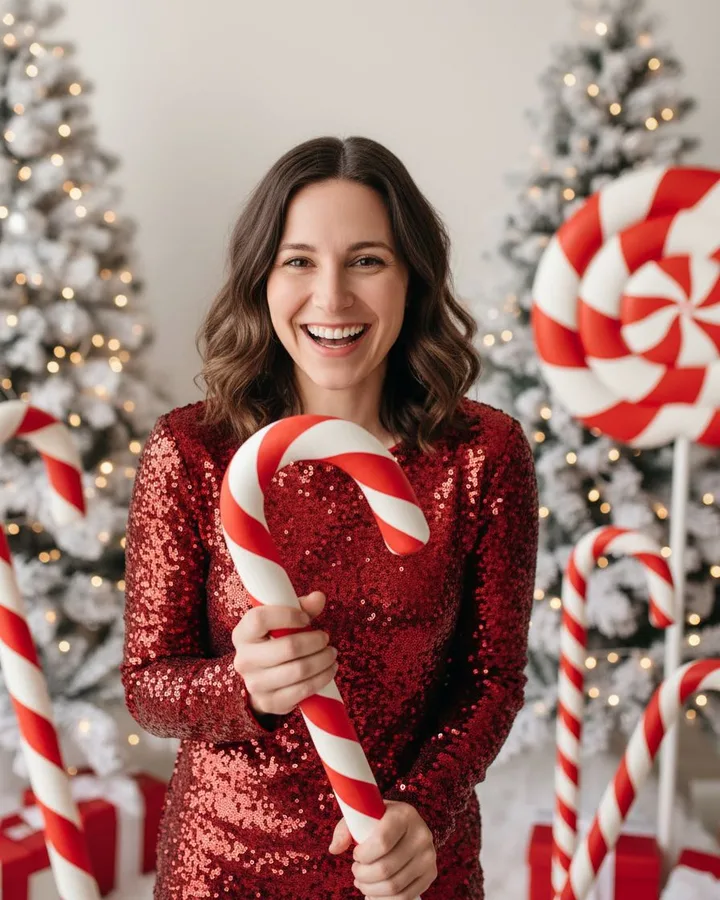
2. Candy cane shoot
Sequins, giant candy canes, peppermint studio. 4:5 portrait.
Edit my photo into a realistic Christmas photo of me. Keep my face, skin tone and hairstyle the same so I am clearly recognisable, and give me a big natural smile. I am in a bright studio wearing a red sequin outfit, standing among giant red-and-white candy canes. Only one person, no text or logos. Vertical 4:5 image.
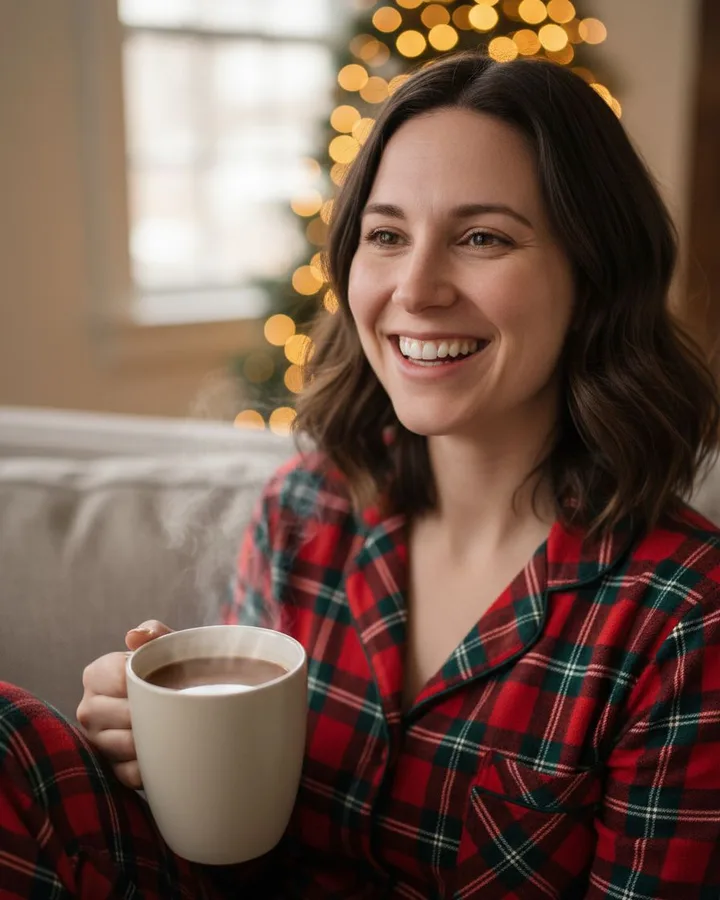
3. Pajamas and Cocoa Selfie
Plaid pajamas and a mug of cocoa. 4:5 portrait.
Edit my photo into a realistic Christmas photo of me. Keep my face, skin tone and hairstyle the same so I am clearly recognisable, and give me a big natural smile. I am at home in plaid Christmas pajamas, holding a mug of hot cocoa, with a lit Christmas tree behind me. Only one person, no text or logos. Vertical 4:5 image.
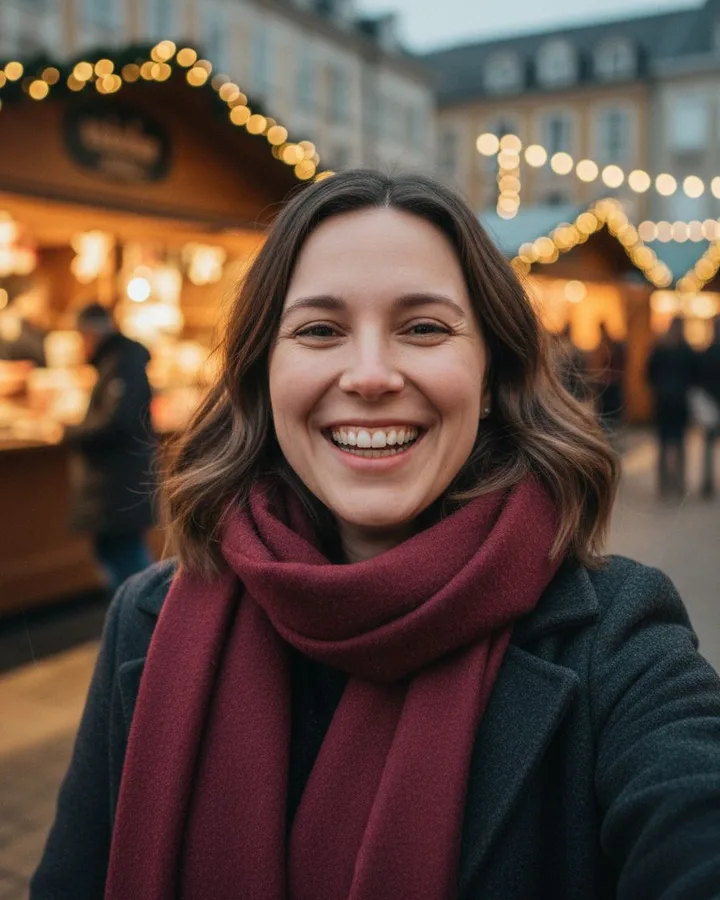
4. Christmas Market Selfie
Warm market lights and a burgundy scarf. 4:5 portrait.
Edit my photo into a realistic Christmas photo of me. Keep my face, skin tone and hairstyle the same so I am clearly recognisable, and give me a big natural smile. I am at an outdoor Christmas market at night in a warm coat and scarf, with glowing stalls and string lights behind me. Only one person, no text or logos. Vertical 4:5 image.
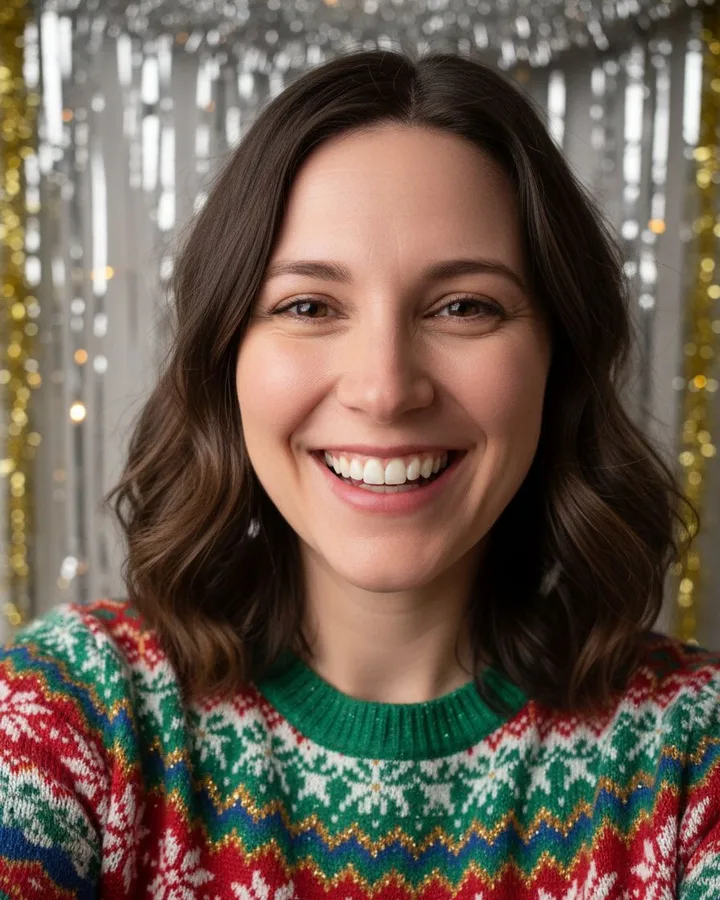
5. Ugly Sweater Flash Selfie
A loud festive knit and direct flash. 4:5 portrait.
Edit my photo into a realistic Christmas photo of me. Keep my face, skin tone and hairstyle the same so I am clearly recognisable, and give me a big natural smile. I am at a holiday party in a loud, funny Christmas sweater, shot with direct camera flash. Only one person, no text or logos. Vertical 4:5 image.
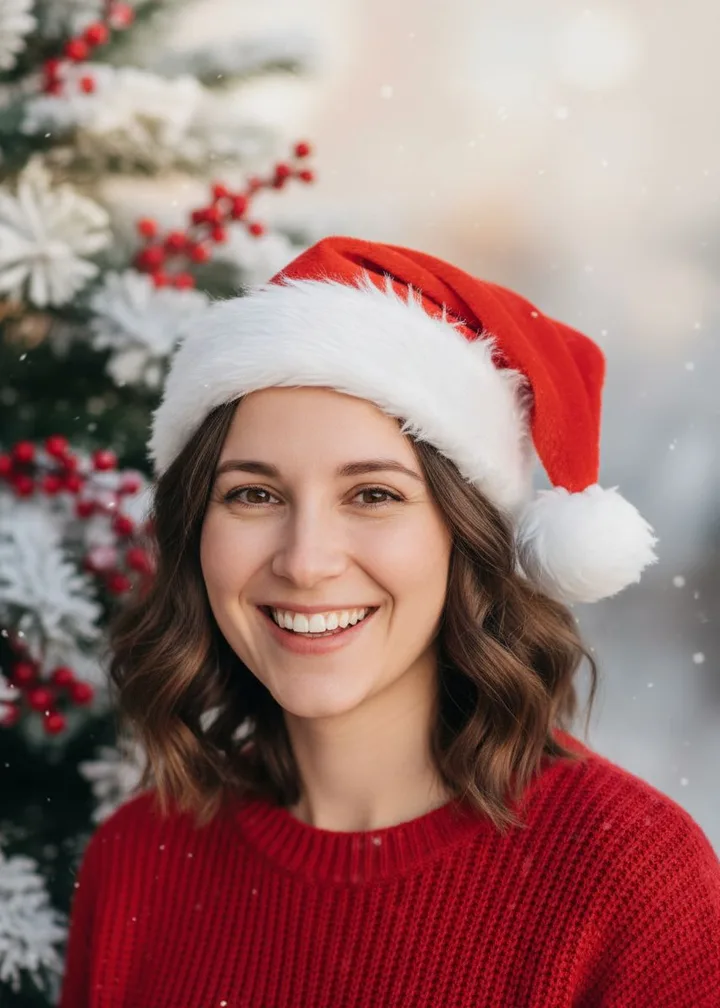
6. Holiday card
Card layout with space for your greeting. 5:7 holiday card.
Edit my photo into a realistic Christmas photo of me. Keep my face, skin tone and hairstyle the same so I am clearly recognisable, and give me a big natural smile. I am wearing a Santa hat and a red sweater in a snowy pine setting. Leave plain empty space at the top of the image for a greeting. Only one person, no text or logos. Vertical 3:4 image.
When the result goes wrong
- It does not look like me. Use a sharper, brighter, front-facing selfie. Then reply: “Keep my facial features, face shape and skin tone exactly as in the photo.”
- My face is tiny. Add: “Frame from the chest up so the face is large and sharply focused.”
- There are extra people, or two of me. Add: “Only one person in the image. Do not add or duplicate people.”
- There is strange writing in the picture. Add: “No text, letters or logos anywhere.” Put your greeting on afterwards.
- The expression is stiff. Add: “A big, genuine smile, as if caught laughing.”
- It added a beard, glasses or a different haircut. Add: “Do not add facial hair or glasses. Keep the hairstyle from the photo.”
Write your own prompt
Each prompt above has the same four parts. Swap the scene and keep the rest:
- Identity: “Edit my photo into a realistic Christmas photo of me. Keep my face, skin tone and hairstyle the same.”
- Expression: “Give me a big natural smile.”
- Scene: where you are, what you wear, the light. One place, one outfit.
- Limits: “Only one person, no text or logos.” Then the shape, such as “Vertical 4:5 image.”
New to this? The step-by-step guide to the AI Christmas photo trend walks through the whole thing, and the AI Christmas card page covers adding a greeting and printing.